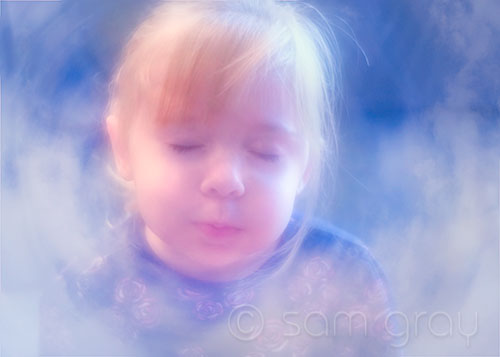
Dreaming in the Clouds

Dreaming in the Clouds

Dreaming in the Clouds - D700, Lensbaby Composer

Experimenting with the Totally Rad – Dirty Pictures plug-in using some of my own textures. This is a combination of a Lensbaby Composer image of my niece and a bunch of blended texture cloud layers using Dirty Pictures. Don’t ask for the exact formula, I was just going with what felt right and did NOT write it all down…radial blurs, flipped layers, soft light and screen blending modes and a few masks just to recant some of the process. Oh yeah, through in a little Nik Color Efex Pro too…

I think I’ll just float off to dreamland for a while…
Leaf Spirographs

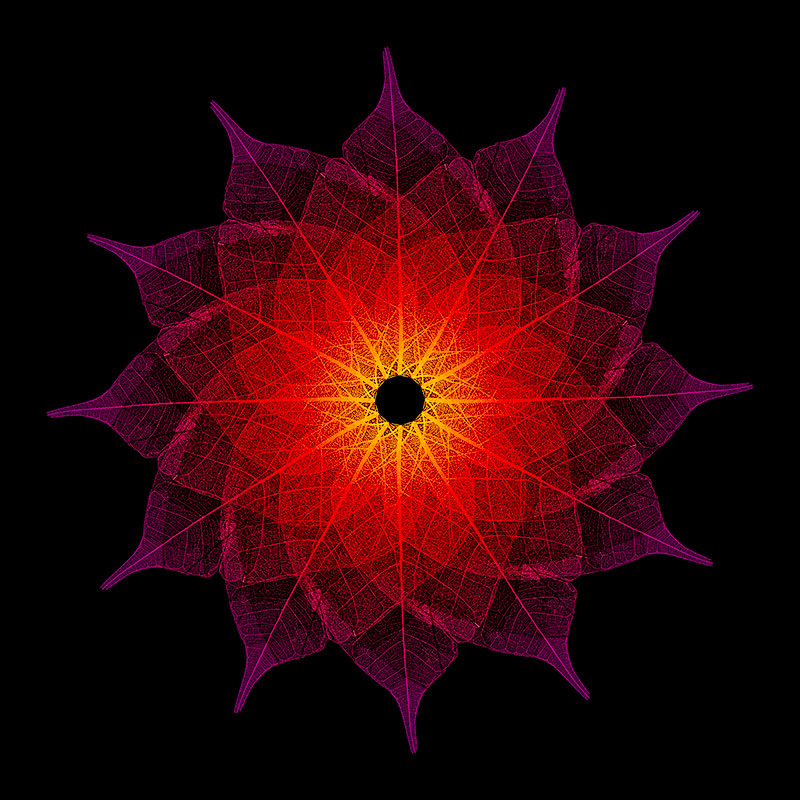
Leaf Spiragraph No. 1

Leaf Spirograph No. 1

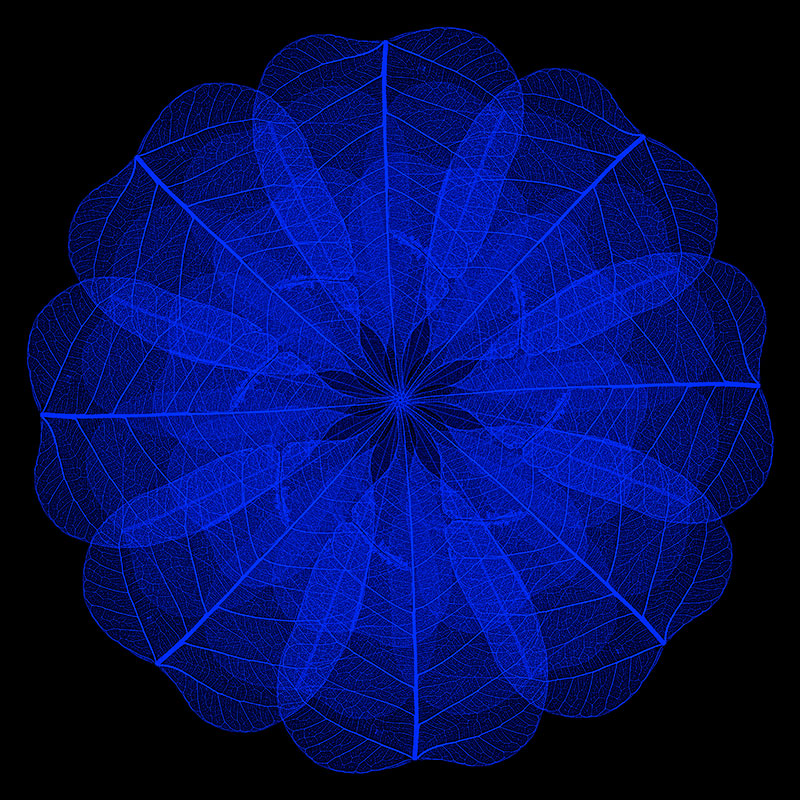
Playing around with the adult Photoshop Spirograph creator process again…two images made from a leaf I scanned. The possibilities go on and on and on…hard to know when to stop and call it finished.

Leaf Spirograph No. 2

Leaf Spirograph No. 2

Click on the images to view larger. The originals would probably print up nicely really BIG, like 4 feet x 4 feet or better with lots of intricate detail.

Leaf Skeleton - Scanned Image

Leaf Skeleton - Scanned Image

Here’s the scanned leaf I used to create the images above…just one little leaf that’s all.

Texturizing Fun – Totally Rad

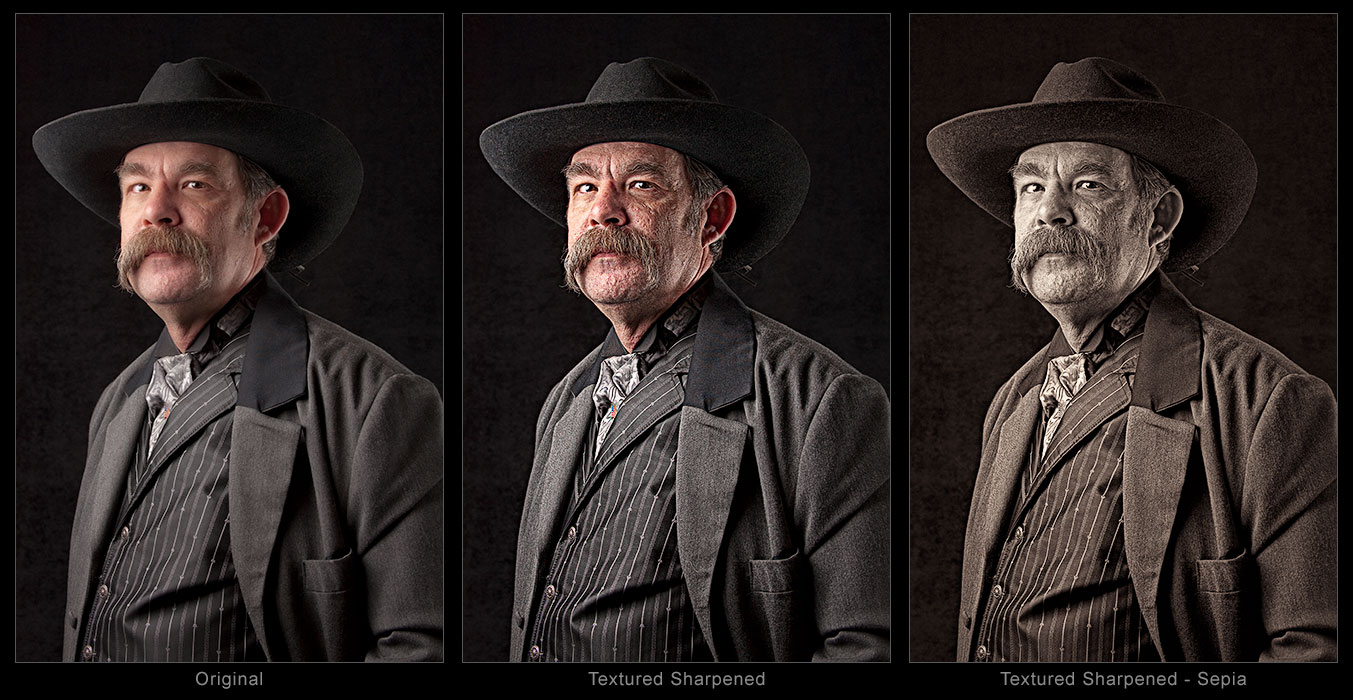
Cherokee Jon Slaughter - Totally Rad, After

Cherokee Jon Slaughter - Totally Rad, After

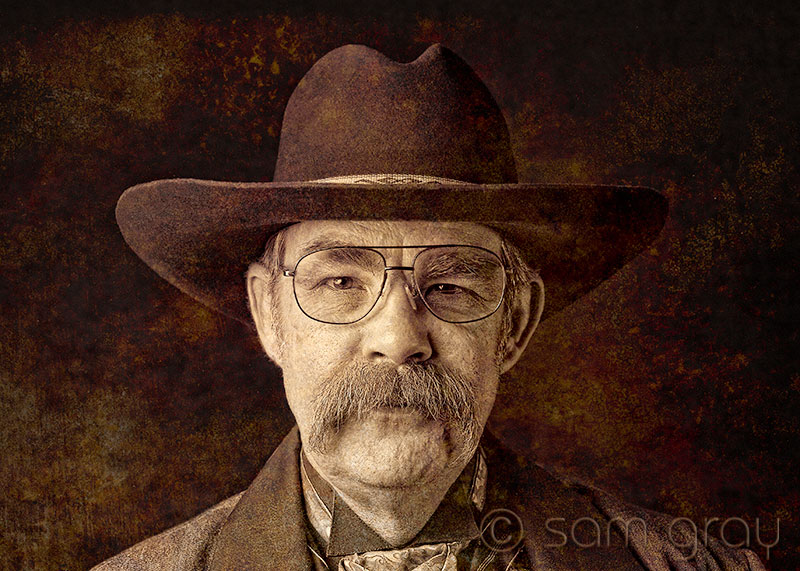
I was reading some good posts on Tony Sweet and John Barclay’s blogs on using the Photoshop plug-in Dirty Pictures by Totally Rad. Well I’m always looking for good plug-ins and adding textures to images really appeals to me. Sooooo of course I went out to the Totally Rad site and took a look. Liked what I saw so I sprung for the plug-in. The image is from a session I did with a local Cowboy Action Shooting group and it seemed like Dirty Pictures was just what it needed… What do you think??? I’m liking the textured image a lot more…

Cherokee Jon Slaughter - Before Totally Rad

Cherokee Jon Slaughter - Before Totally Rad

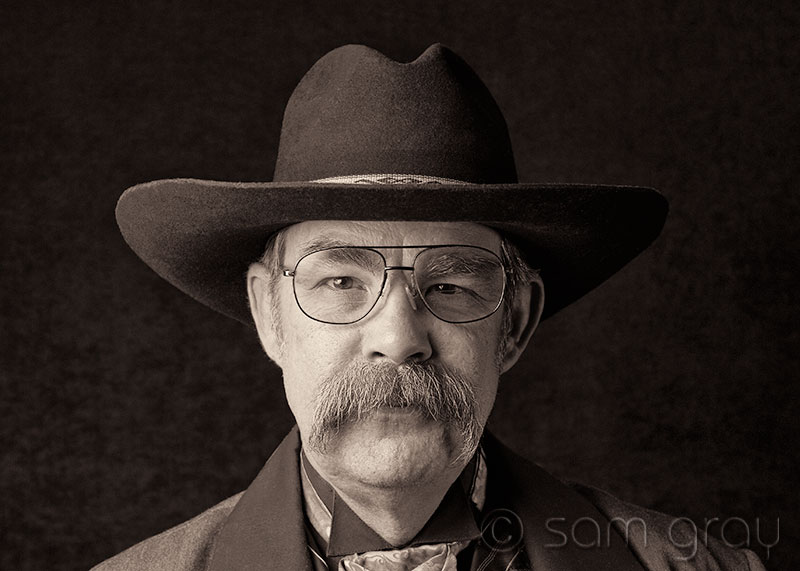
Here’s the image of Cherokee Jon Slaughter before he got the Dirty Pictures Totally Rad treatment. Click on images to view larger.

Feather Spirograph

Feather Spirograph

Feather Spirograph - Click for larger view

Today’s image is all about having some fun in Photoshop. I was reading Mark Johnson’s blog and watching his Photoshop Workbench 220: Spirographic Splendor. Looked real interesting so I gave it a whirl (pun intended).  I had a scan I did a while ago of a feather I found in our yard, seemed like a good subject to use… Follow the link above to Mark’s blog and take a look at the video and have some fun. This is my first shot at this technique, surely I’ll have to do some more!

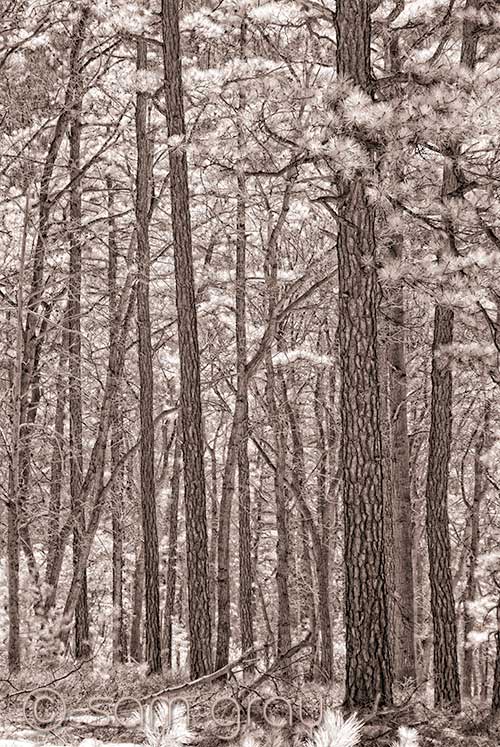
IR in the Woods

Kings Gap IR, No.1

Kings Gap IR, No.1 - IR Converted D200

Here’s two more images from my mid day IR trip to the mountain. Always fun to take the IR camera out and see what I can find…bad light, hard light, almost any kind light at all can yield something in IR.

Kings Gap IR, No.2

Kings Gap IR, No.2 - IR Converted D200

Don’t know which one I like better…they both have very different moods. Both images were processed in Nik Color Efex 3.0 using the Tonal Contrast and Paper Toner filters.

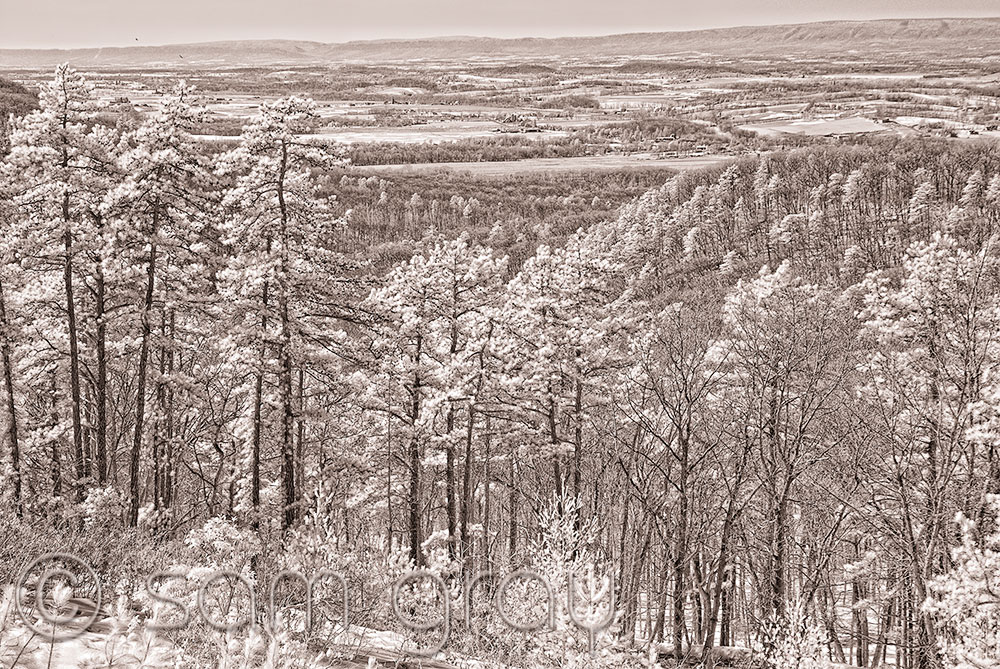
Kings Gap Overlook in IR

Kings Gap Overlook IR

Kings Gap Overlook IR - IR Converted D200 - Click for larger view

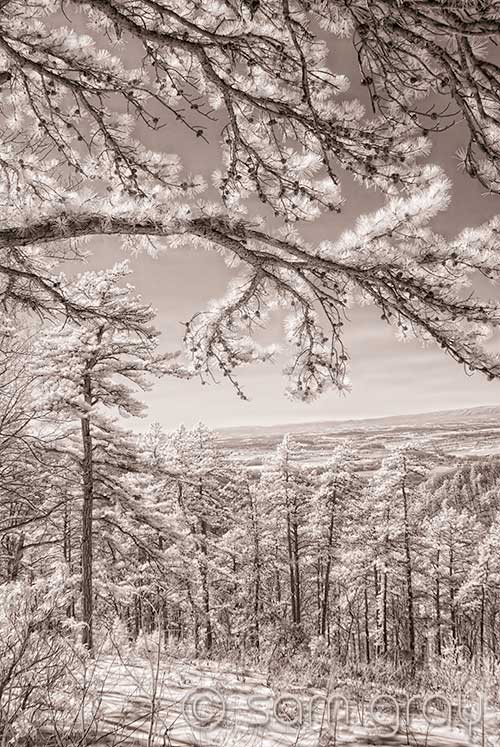
The weather was so great today, actually above 50 degrees two days in a row…so we took a drive up to Kings Gap to take in the scenery. Not very good light for landscape photography but in IR things take on a whole different perspective. This is looking north west towards Huntsdale from the mansion porch. You can see all the farms in the valley and a couple of buzzards were gliding around too.

Kings Gap Overlook IR 100% Blowup

Kings Gap Overlook IR 100% Section - Click for Larger View

OK the buzzards are a little hard to see in the top image so here’s a 100% section of the image. I am a IR junkie, either you love or you don’t, me I love it…

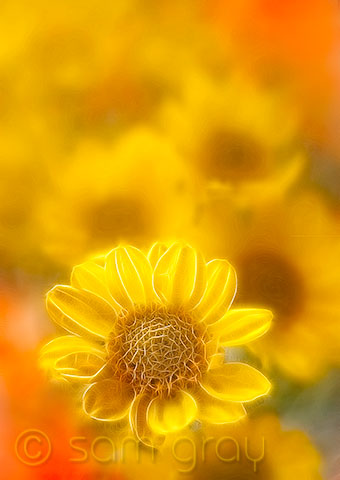
Sea of Yellow

Sea of Yellow - D700, Lensbaby Composer

Sea of Yellow - D700, Lensbaby Composer

Shot this at home with some window light and an off camera flash using my Lensbaby Composer. Did some additional work in PS using Nik Color Efex 3.0 and added some fractalius filter to just the one flower.

The long range weather forecast actually had a 50 degree temperature listed on it…sure hope it wasn’t a typo.

Character Portrait with Painterly Details

Cherokee John Slaughter - Detailed

Cherokee John Slaughter - Detailed

Just saw a really neat technique posted on Scott Kelby’s blog by his Guest Blog Wednesday person. It’s by Calvin Hollywood a Photoshop Artist located in Heidelberg, Germany. Calvin does some nice stuff and showed a technique he uses to add detail to his images, no he didn’t use any Topaz plug-ins, though you might be able to get the same or similar look using Topaz. His technique just uses PS, blend modes and the surface blur filter…I’m not going to repeat his info. Just go to the posting “It’s Guest Blog Wednesday featuring Calvin Hollywood” at Scot Kelby’s blog and view the video in the posting.

Click on the image in my posting to see it larger and check out Calvin’s neat technique…see you can do all this stuff without plug-ins or you can get some Topaz…

Sorry John, for making you look like a mean character but this image was screaming for this effect.

Blue Abstract

Blue Abstract

Blue Abstract

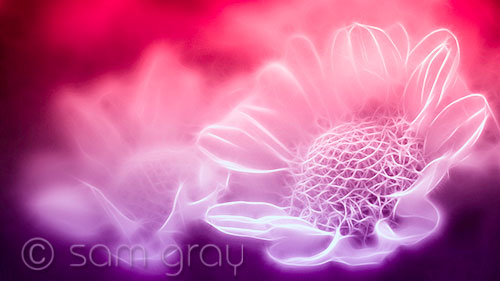
OK we’re going on a journey today to somewhere in my imagination…this is a mirrored abstract of a flower I shot the other day. Well that is where I started and just went with whatever felt right in PS. No real concept, just having some fun…

Click on image to view larger.