
Two Leaves - D700, 24-70mm
Had some time to kill between meetings at a client so I wondered around a half frozen meadow. Spring can’t come any too soon for me…

Two Leaves - D700, 24-70mm
Had some time to kill between meetings at a client so I wondered around a half frozen meadow. Spring can’t come any too soon for me…
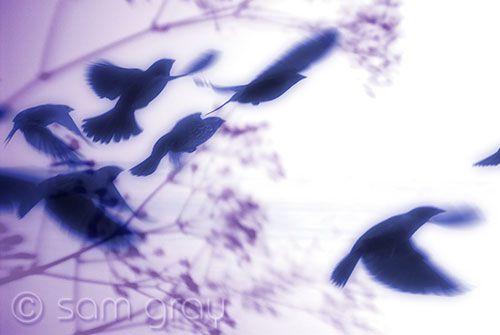
Texture Blend Birds
Mid winter has passed and it’s time to do some image experimenting. I have seen some great posts recently by Tony Sweet and John Barclay on their blogs doing some texture blending. Looked real interesting sooooo I thought I’d give it a shot. Now that I’ve done some experimenting I will have to keep this in mind when I’m out shooting, trying to visualize some final images.
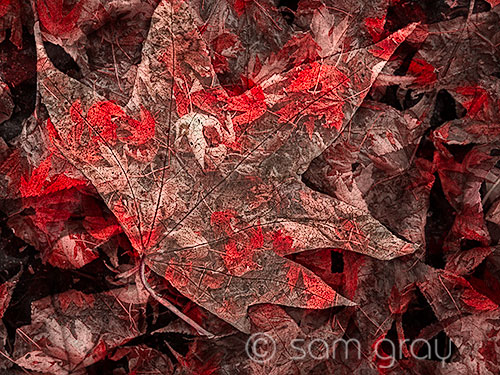
Texture Blend Leaves
A while ago I shot some photos (HDR) for a local business to use on one of their trucks. It was an interesting and challenging space to photograph, a large empty converted ribbon mill. Driving through town today I saw some of the images on one or their trucks. Good thing I had my G10 in the glove box so I could get a few shots of the finished product.

Ribbon Mill Truck, Image 1 - G10
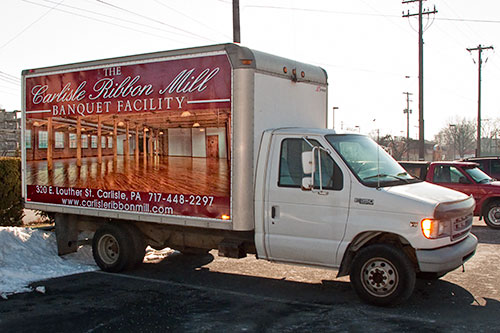
Ribbon Mill Truck, Image 2 - G10
I know, not the greatest product shots you’ve seen lately but at least it shows the end use, sort of. Not the images I would have used from the session but then again it’s NOT my business or truck. Here is the large pano I shot, the image I would have used…
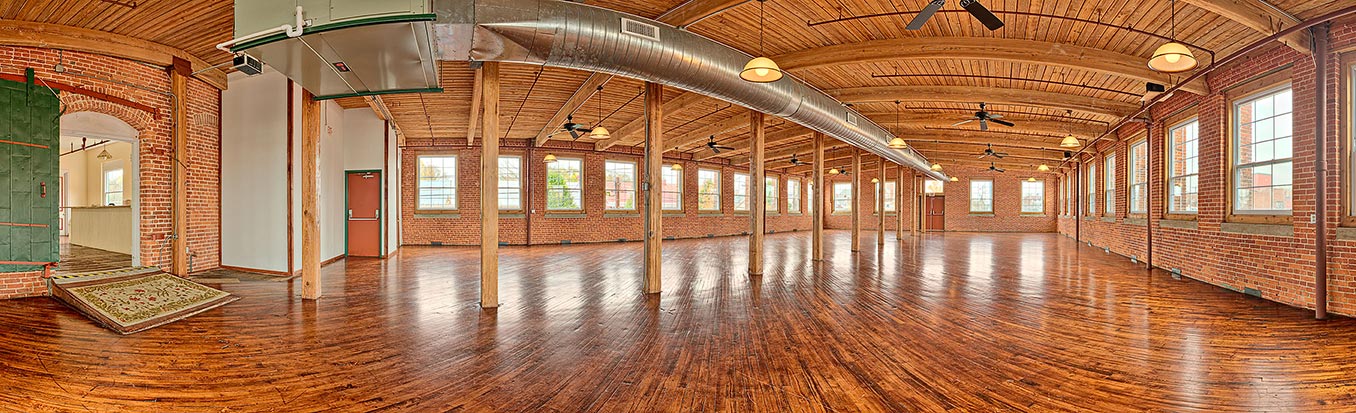
Ribbon Mill Pano - D700, 24-70mm - Click to view larger
This is a 8 shot HDR pano, 4 bracketed (2 stop ev) for each piece of the pano. That’s a total of 32 images taken for the final panorama.
Here are the two images they used for the truck before the cropping was done, these are 4 shot (2 stop ev ) HDR images. So the final image blow up was enlarged/pushed about as far as you might want to go…sometimes you just don’t have any control on a project and it doesn’t quite end up the way you might have liked.
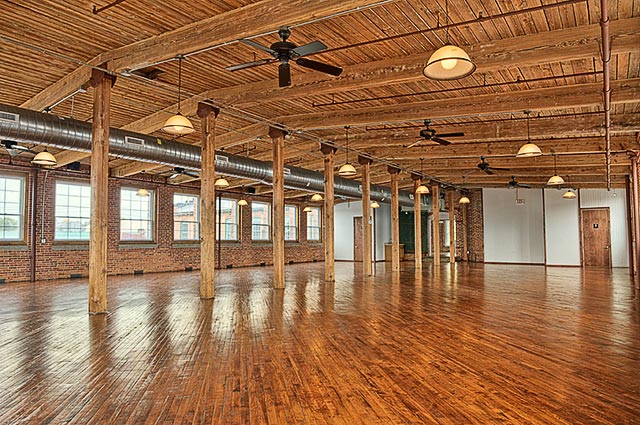
Ribbon Mill 1 - Click to view larger
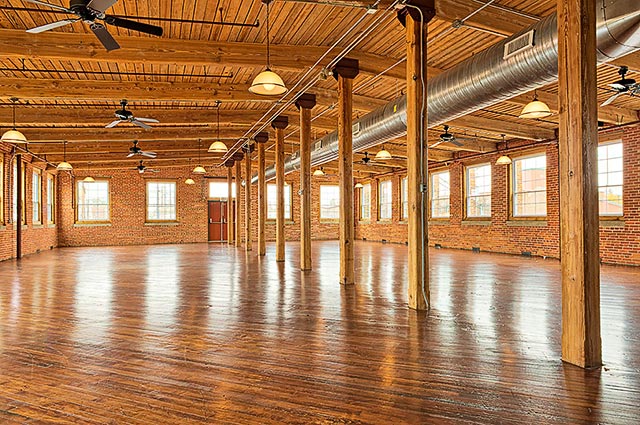
Ribbon Mill 4 - Click to view larger
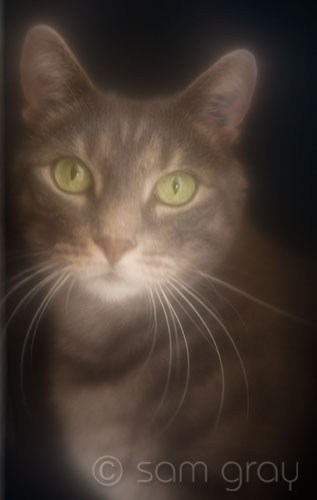
Digit - Lensbaby SF Optic
I was experimenting with my Lensbaby Soft Focus Optic the other day trying out some lighting on some flowers, still working on the lighting. For some reason the background kept moving…then I heard a voice behind the background. As I looked behind the background this is what I saw. Did a quick adjustment to the Lensbaby and the exposure to capture this unexpected image. Two shots later and he was gone. I guess all he really wanted was his photo taken? You could spend all day trying to set up an image like this…or just get lucky.

Glen Coe Panorama - AutoPano Pro - D700 - Click to view larger
I was going over some of the photos I took in Scotland and was disappointed that I didn’t have more time and better weather when we passed through Glen Coe. The scenery was spectacular to say the least but 70 mph wind gusts and driving rain did NOT make for fun photography. I did manage to grab some shots in spite of the weather and this one is the subject of this post. No, it’s not a spectacular iconic landscape shot but given the circumstances it definitely DOES reflect the kind of day that it was.
I shot three quick, and I do mean quick, hand held shots between the rain storms at the Glen Coe Visitors Center, trying to overlap the shots by about 50%. I knew it would be a challenge to stitch these being that I didn’t have a pano head or tripod at the time. My D700 with a 24-70mm lens set at 24mm @ f/8, 1/90 sec and ISO 800 are the image details. Here’s the files I had to work with:
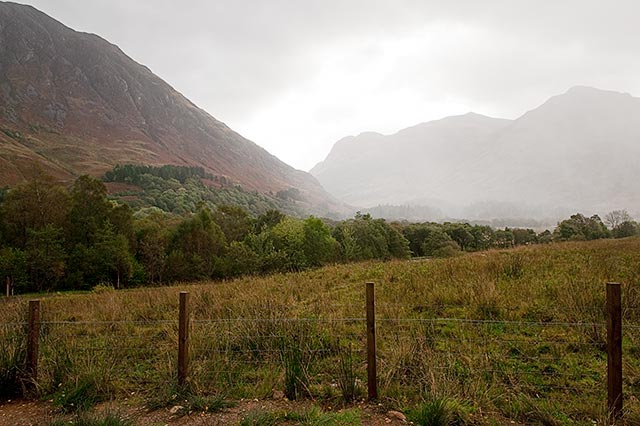
GlenCoePano_left
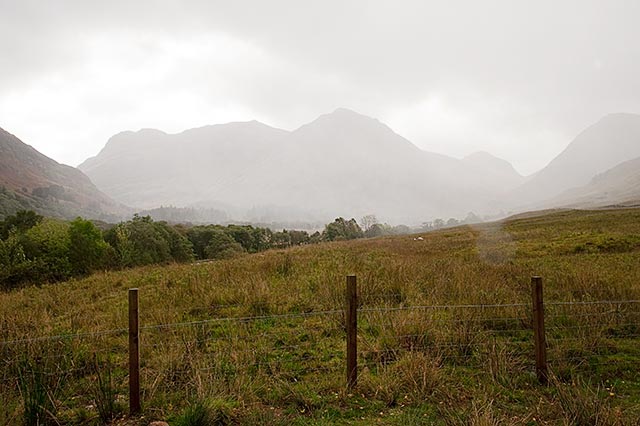
GlenCoePano_center

GlenCoePano_right
Having tried to stitch these images together in a few different programs that I use for stitching and NOT getting the results I wanted, I gave AutoPano Pro by Kolor a try. Having seen the AutoPano Pro stitching program before and reading many good reviews I download a demo to see if it would do a better job of stitching. Well I ended up buying a license for it and it is NOW my GO TO stitching program. Fast, easy to use, plenty of control and does a better job than anything I have tried.
Yes, I have used Photoshop Photomerge and it does work sometimes but you don’t get any real control with it if it doesn’t stitch correctly.
Yes, I have used PTgui and Panorama Factory, both good programs and both do good jobs most of the time. I’m just saying that I found the AutoPano Pro program to be better.
Here is a enlarged detail from the final pano, like I said nothing iconic or spectacular but sure does bring back memories from our trip! AND I NOW have a NEW, BETTER stitching program…
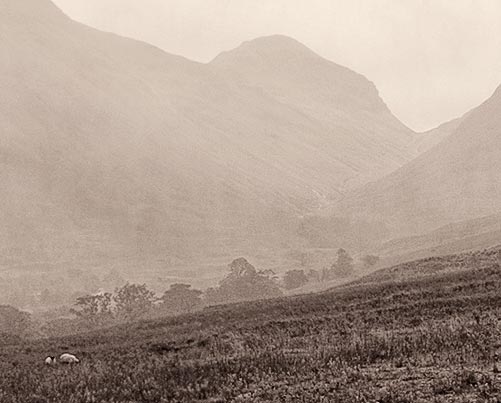
Glen Coe Pano - Detail about 25% of final